
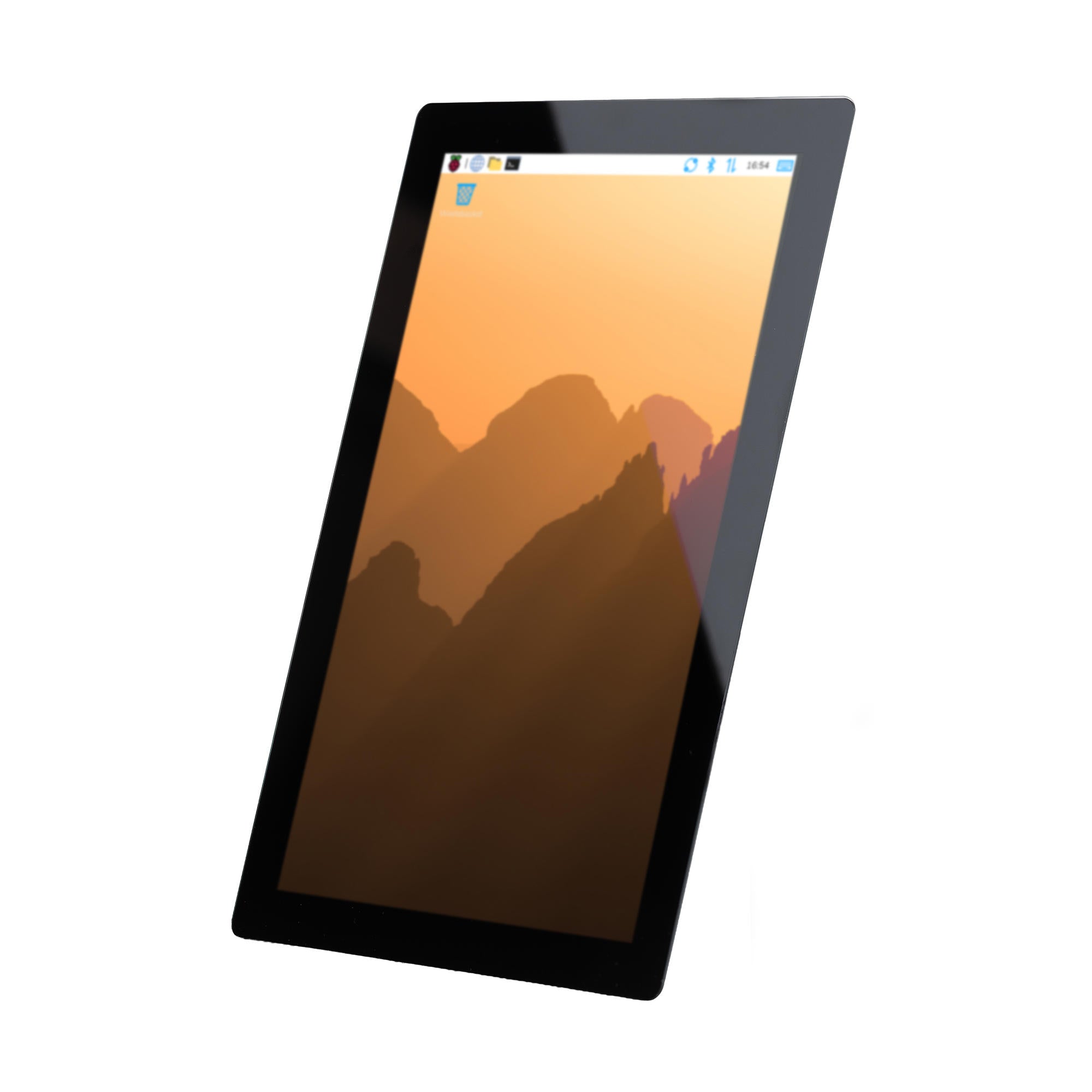


Raspberry Pi Touch Display 2 10″ – Touchscreen for Industry & HMI
The Raspberry Pi Touch Display 2 10″ is a high-resolution 10-inch touch display for Raspberry Pi 5 and Compute Module. The capacitive multi-touch display offers a resolution of 1200 × 1920 pixels and supports up to ten simultaneously recognized touch points. Its native portrait orientation and generous screen real estate are particularly suitable for clear user interfaces and interactive applications.
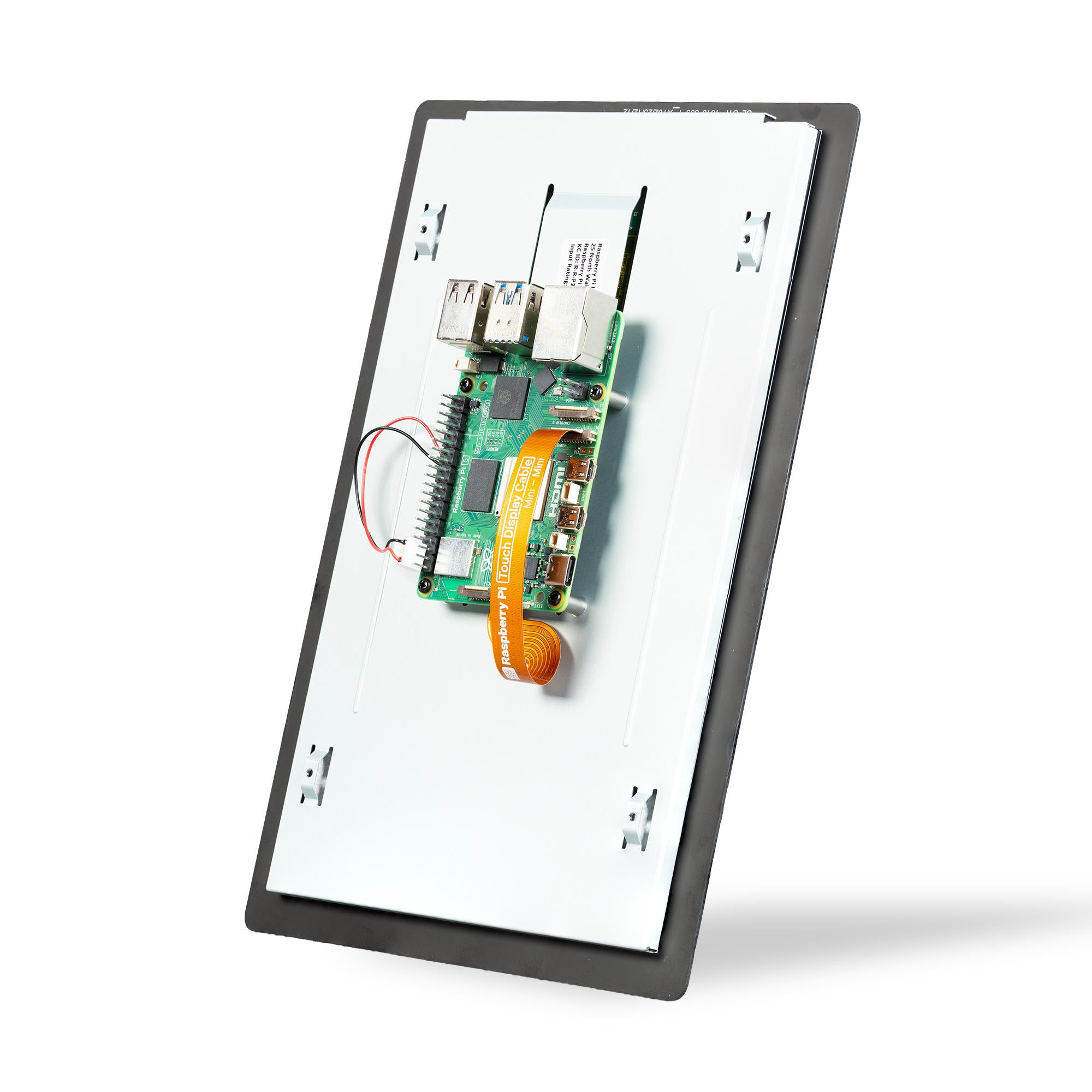
The display connects directly to a compatible Raspberry Pi via the MIPI-DSI interface and is powered via GPIO. This makes the Raspberry Pi Touch Display 2 10″ particularly suitable for embedded systems, HMI applications, industrial control panels, machine controls, process visualization, IoT solutions, and professional touch terminals.
With its IPS-TFT panel, anti-glare surface, and capacitive 10-finger touch operation, the Raspberry Pi Touch Display 2 10 inch is a versatile solution for applications requiring a larger and more comfortable touch interface.
Key Product Features:
-
10″ IPS touch display with 1200 × 1920 pixels
-
Capacitive 10-finger multi-touch
-
For Raspberry Pi 5 and compatible Compute Modules
-
4-lane MIPI-DSI interface
-
Suitable for HMI, industrial, embedded, and IoT applications
Comparison of Raspberry Pi Touch Display 2 Variants
| Feature | Touch Display 2 5″ | Touch Display 2 7″ | Touch Display 2 10″ |
|---|---|---|---|
| Display Size | 5″ | 7″ | 10″ |
| Resolution | 720 × 1280 pixels | 720 × 1280 pixels | 1200 × 1920 pixels |
| Display Type | TFT-LCD | TFT-LCD | IPS-TFT-LCD |
| Touch Technology | Capacitive | Capacitive | Capacitive |
| Multi-Touch | 5 fingers | 5 fingers | 10 fingers |
| Active Area | 62.1 × 110.4 mm | 86.94 × 154.56 mm | 135.4 × 216.6 mm |
| Viewing Angle | 80° | 85° | 85° |
| Surface | Anti-Glare | Anti-Glare | Anti-Glare |
| Brightness | 500 cd/m² | 500 cd/m² | 400 cd/m² |
| Color Representation | 24-Bit RGB | 24-Bit RGB | 24-Bit RGB |
| DSI Connection | 2 DSI lanes | 2 DSI lanes | 4 DSI lanes |
| Power Supply | Via GPIO | Via GPIO | Via GPIO |
| Compatibility | Raspberry Pi B+ and newer, Compute Module | Raspberry Pi B+ and newer, Compute Module | Raspberry Pi 5 and Compute Module |
| Raspberry Pi 4 | ✓ | ✓ | ✕ |
| Raspberry Pi Zero | ✕ | ✕ | ✕ |
| Native Format | Portrait | Portrait | Portrait |
| Production Period | at least until Jan. 2030 | at least until Jan. 2030 | at least until Jan. 2030 |
Which variant suits which application?
-
5″: Compact touch surface for space-saving embedded systems, small control devices, and mobile applications.
-
7″: Universal size for dashboards, information systems, and general Raspberry Pi projects.
-
10″: Large, high-resolution touch surface for HMI, industrial control panels, process visualization, kiosk systems, and more complex user interfaces.
Special feature of the 10″ variant:
The Raspberry Pi Touch Display 2 10″ is not just larger. With its 1200 × 1920 pixels, IPS technology, 10-finger touch, and four DSI lanes, it is technically the most powerful variant of the Touch Display 2 family. For this reason, it is exclusively intended for Raspberry Pi 5 and Compute Modules.
Further Technical Data
| Feature | Raspberry Pi Touch Display 2 10″ |
|---|---|
| Color Representation | 24-Bit RGB |
| Orientation | Native Portrait Format |
| Display Technology | IPS-TFT-LCD |
| Display Mode | Normally Black, Transmissive |
| Touch Technology | True Multi-Touch, Capacitive |
| Max. Simultaneous Touch Points | 10 Fingers |
| Touch Operation | Mouse Equivalency, incl. Select, Drag, Scroll, and Long-Press |
| On-Screen Keyboard | Supported |
| Viewing Angle | 85° |
| Active Area | 135.4 × 216.6 mm |
| Viewing Area | 136.4 × 217.6 mm |
| Dimensions / Unit Size: | 161.8 × 247.3 mm |
| Depth | 16 mm |
| DSI Connection | 22-pin DSI connector |
| DSI Data Lanes | 4 Lanes |
| DSI Cable | 22-pin to 22-pin, Mini–Mini FFC |
| Touch Data Transfer | Via DSI |
| Power Supply | Via GPIO of the Host Raspberry Pi |
| Separate Power Supply Required | No |
| Operating Temperature | −20 °C to +70 °C |
| Operating System Support | Raspberry Pi OS |
| Touch Calibration | No manual calibration required with Raspberry Pi OS |
| Automatic Detection | Raspberry Pi 5: Yes |
| Compute Module | No automatic DSI detection; configuration required |
| Production Period | At least until January 2030 |
Important technical peculiarity: The 10″ Touch Display 2 requires four DSI lanes due to its higher resolution. Therefore, it is not compatible with Raspberry Pi 4 or older Raspberry Pi models. For Raspberry Pi Compute Modules, a suitable IO board with a DSI connector is required. With the CM4IO, DISP1 must be used; with the CM5IO and later IO boards, any of the DISP connectors can be used.
Further Features: Raspberry Pi OS supports mouse-equivalent touch operation and an on-screen keyboard for the Touch Display 2. The display is powered directly by the host Raspberry Pi and therefore does not require its own power supply.
Application Areas
The 10″ Touch Display 2 is particularly suitable for professional B2B, embedded, and industrial applications. The large, high-resolution touch surface offers ample space for more complex user interfaces and visualizations.
- Machine operation and HMI systems
- Control and operating panels for industrial plants
- Process visualization and monitoring
- Production and logistics dashboards
- Building and facility control
- Interactive information systems
- Embedded terminals and customized control devices
- IoT and automation solutions
Raspberry Pi specifically names tablets, entertainment systems, and information dashboards as typical application areas for the Touch Display 2. Its suitability for industrial HMI and embedded systems results particularly from the combination of Raspberry Pi Compute Module, DSI connectivity, and touch operation.
Safety Information
- Read the operating instructions carefully before using the product.
- Ensure that all manufacturer's assembly and installation instructions are carefully followed.
- Use the product only for its intended purpose.
- Improper use of this product can result in serious injury or property damage.
- Not suitable for children under 10 years of age.
- There is a risk of injury if used improperly.
- This product complies with the applicable safety requirements of the European Union.
- This product has been tested in accordance with GPSR, which ensures that all relevant safety requirements for consumer goods are met.
Traceability Information
Each product has one or more of the following features:
- A CE mark indicating compliance with the European Union's safety, health and environmental protection requirements.
- A unique serial or batch number to ensure traceability and support recall actions if necessary.
- Manufacturer and importer details for customer support and safety inquiries.
Incident Monitoring and Reporting
In the unlikely event of a product issue, we have implemented procedures to:
- Promptly address customer complaints.
- Report serious incidents via the EU Safety Gate/RAPEX system.
- Cooperate with market surveillance authorities to ensure public safety.
Contact:
- Email: support [@] pi3g.com
- Phone: 0341 / 392 858 40
This product fully complies with all applicable EU regulations to ensure the safety of our valued customers.